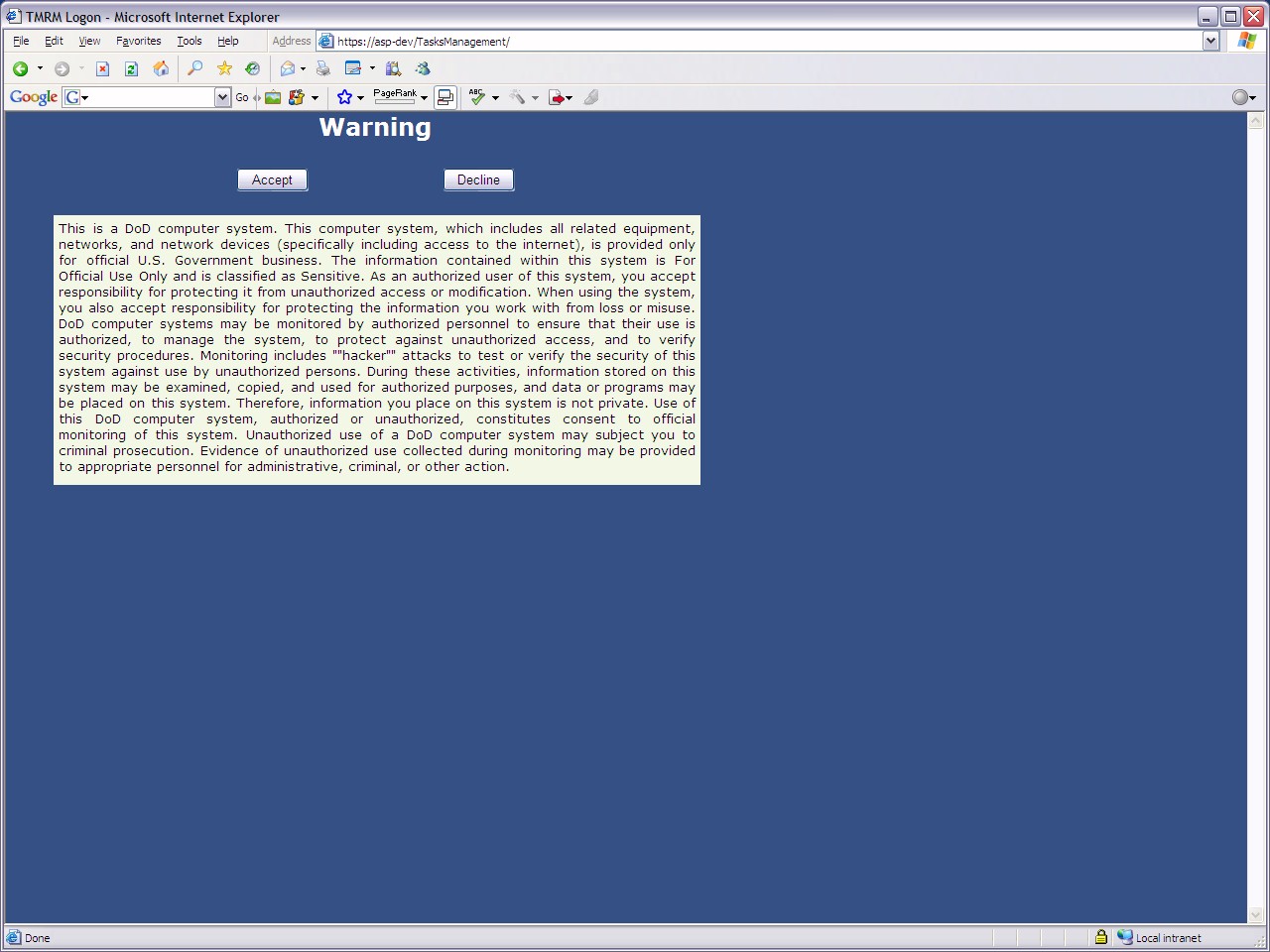
The warning screen to the TRICARE
Management Reporting Metrics application for a DoD client
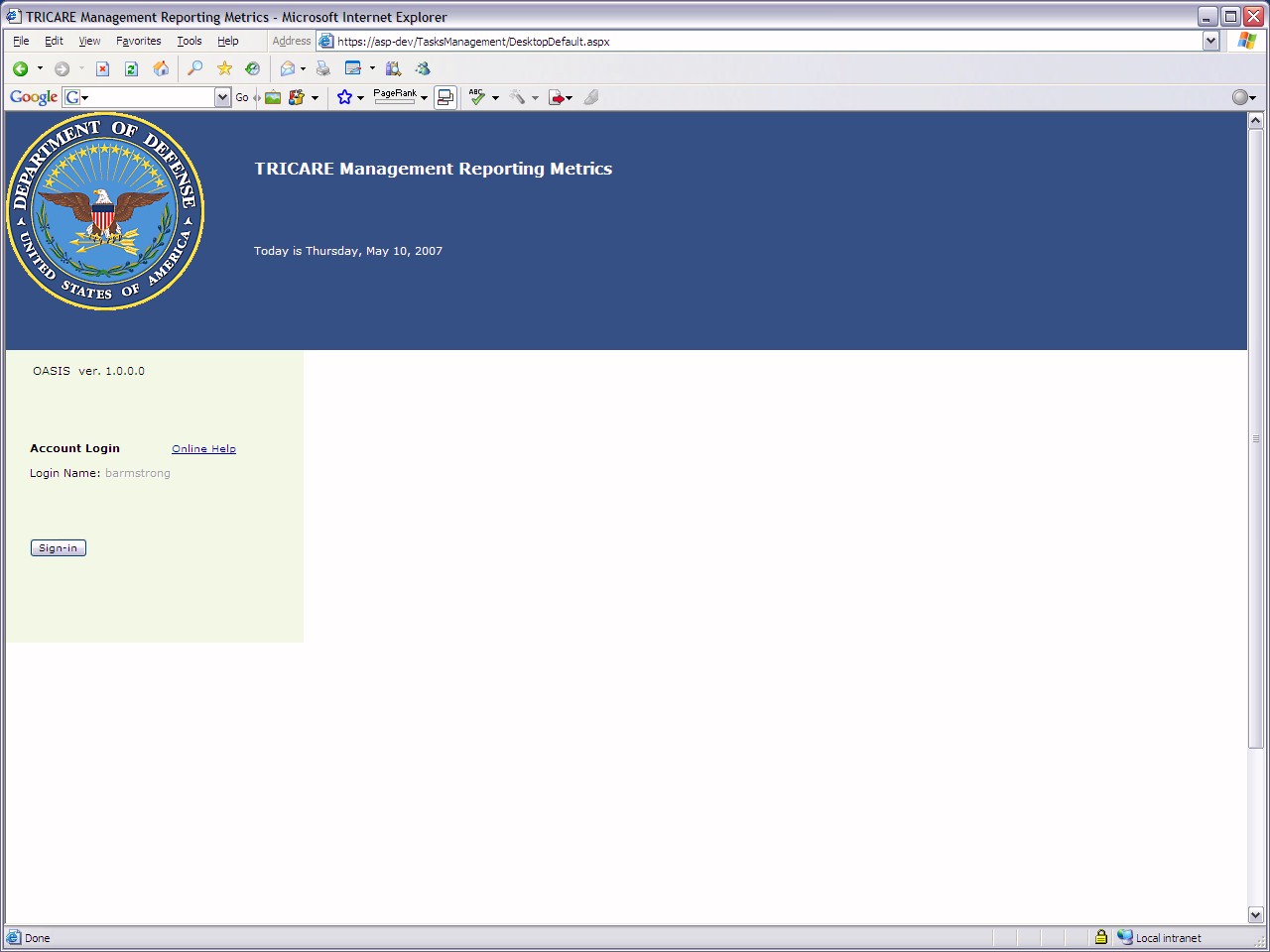
This intranet application handles project
management-style task assignment and tracking, other application
metrics, and now specific action item tracking and assignment (not in
this screenshot sequence)
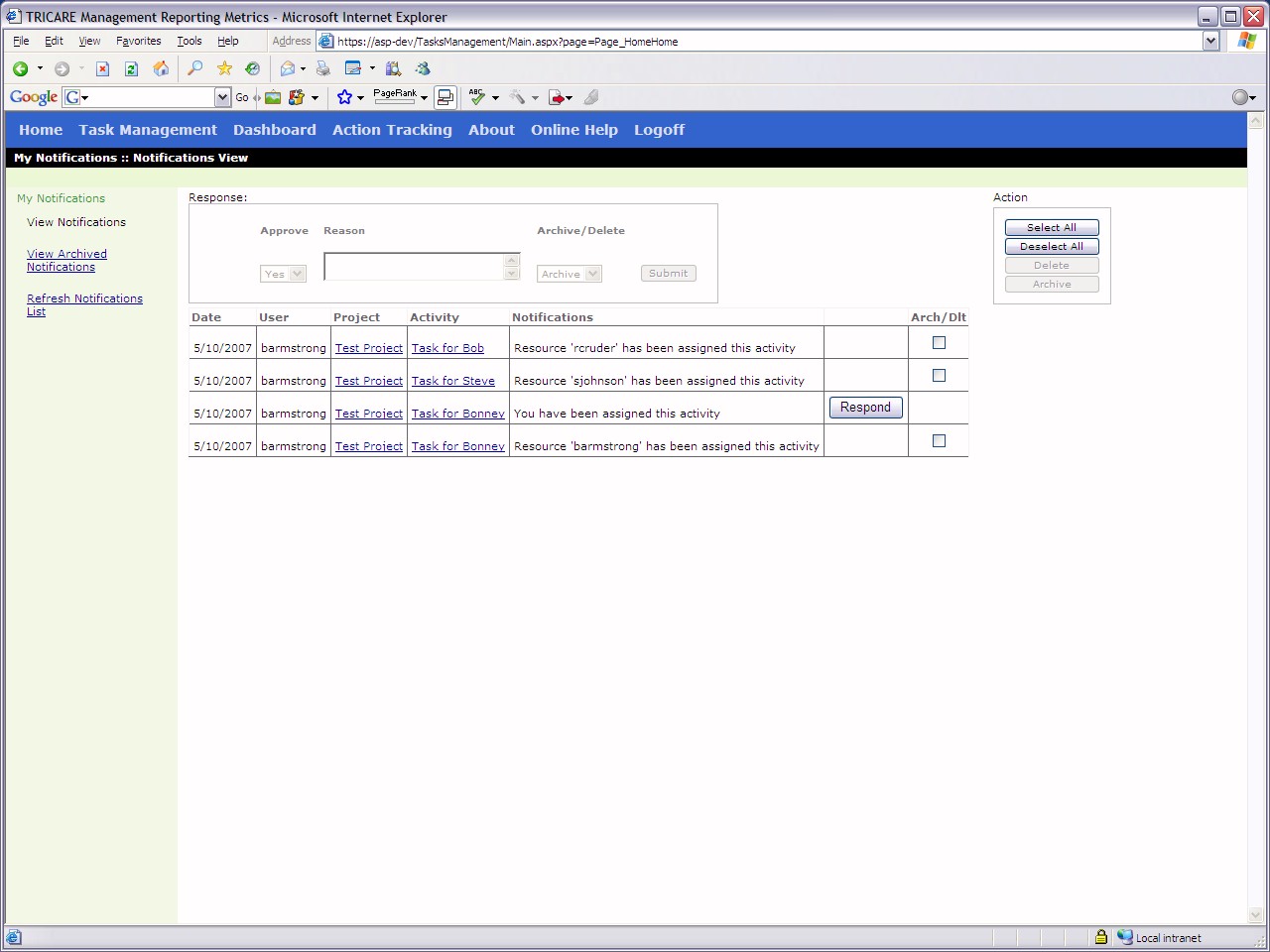
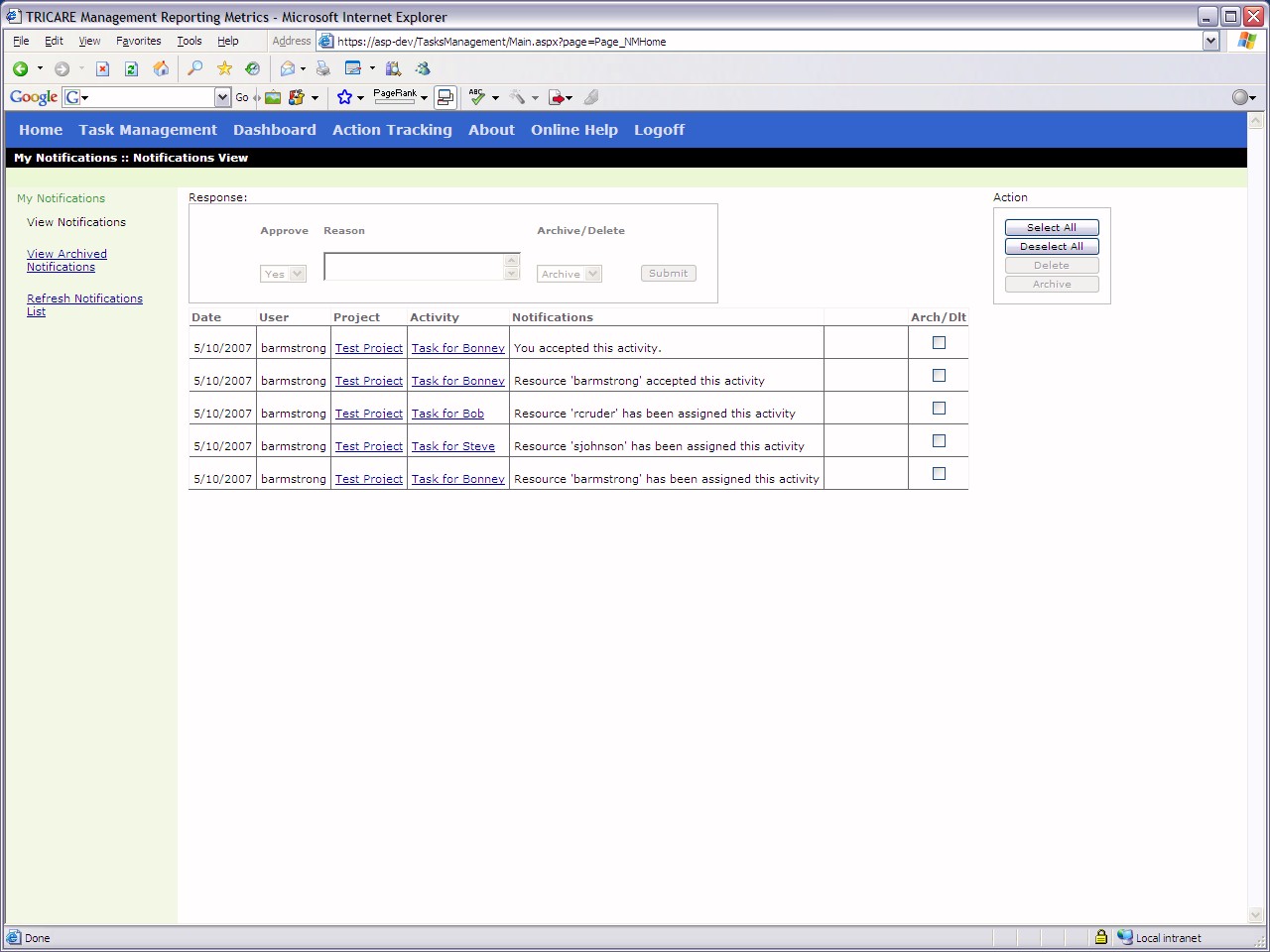
Notifications page that lets a client know
all their assigned projects, tasks, and action items
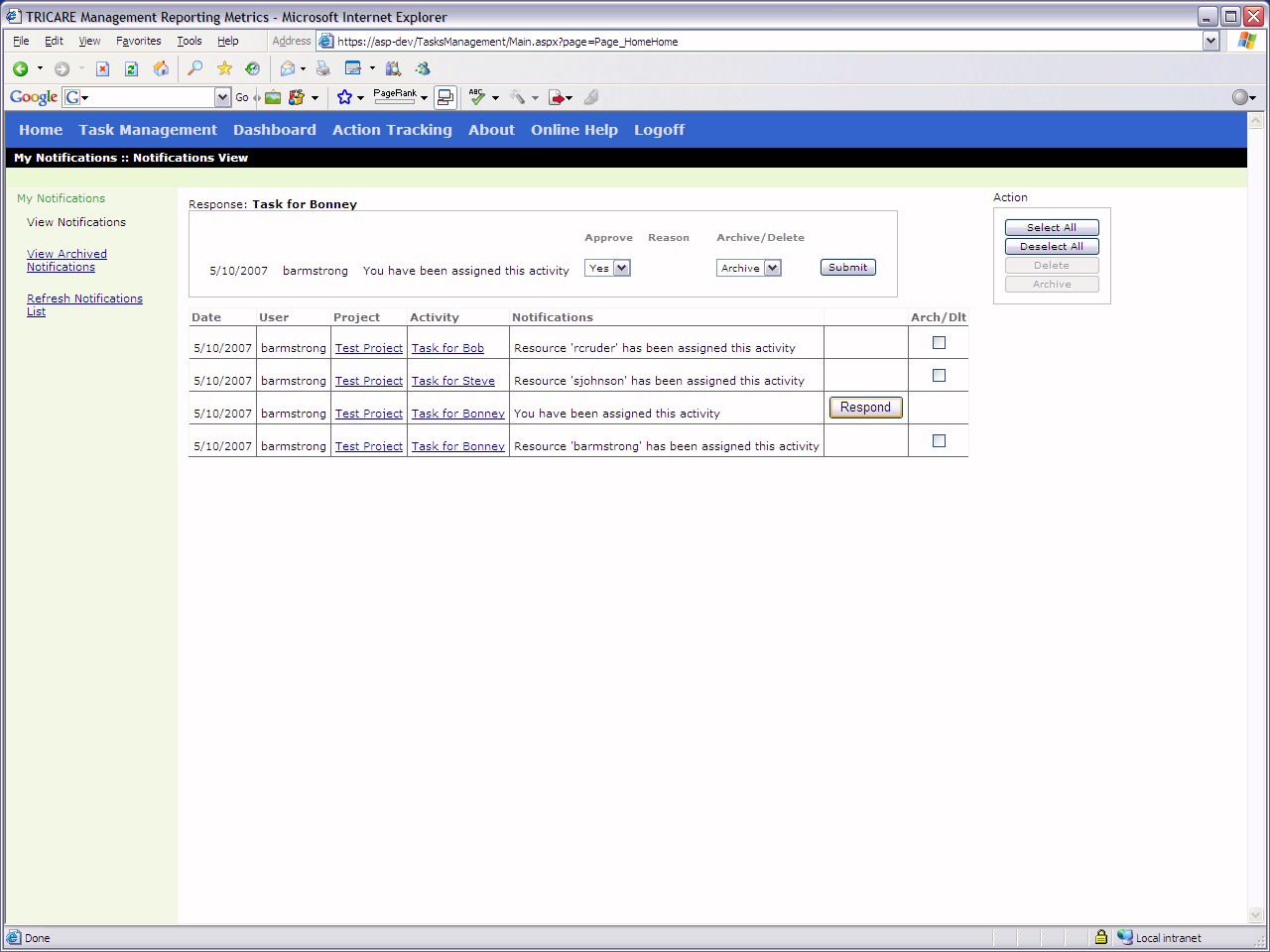
Having selected a task to which to respond
Having selected "yes" then clicking the
"submit" button. You then receive a notification that you have accepted
the task
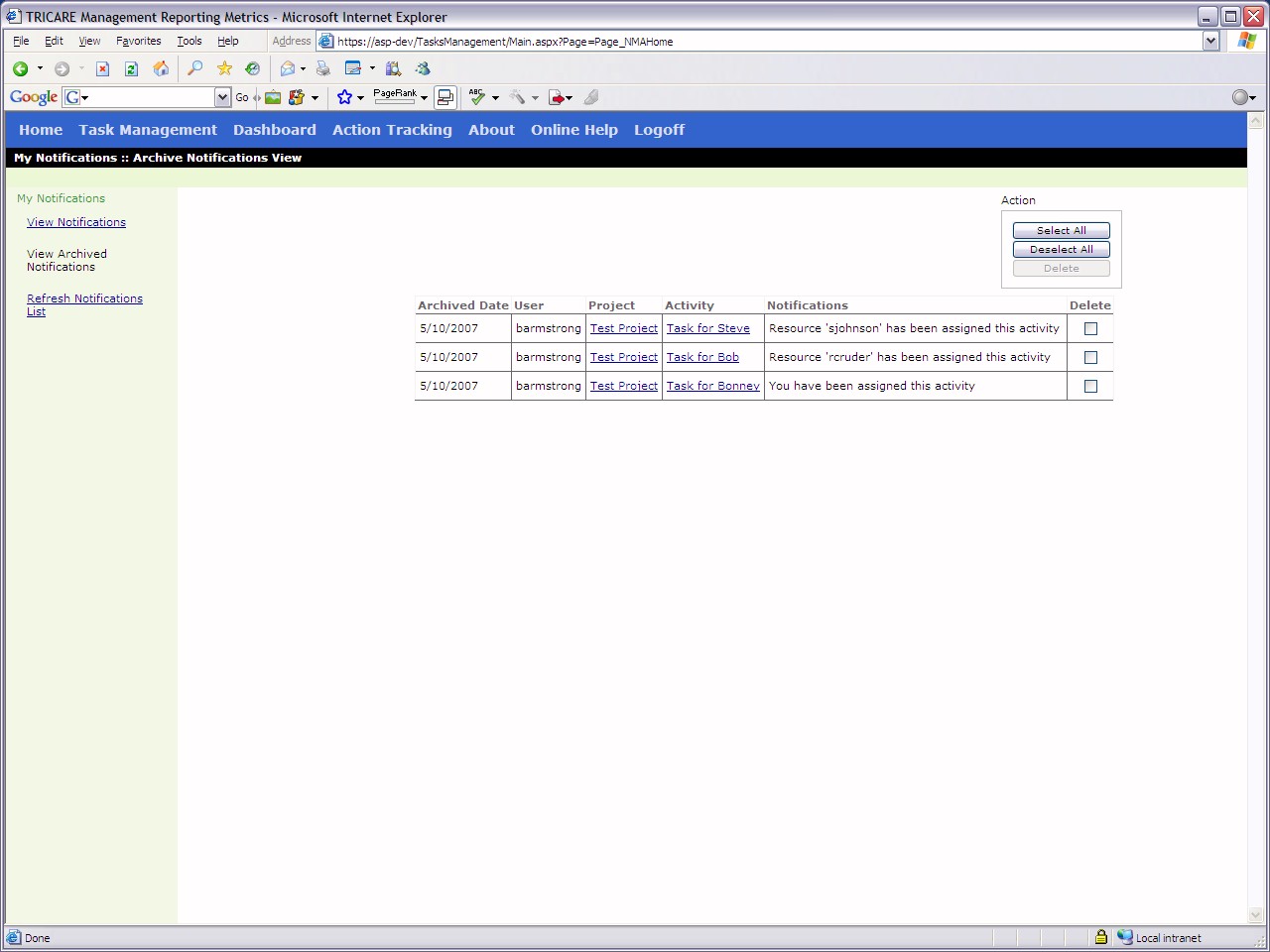
View of archived notifications to be saved
for later
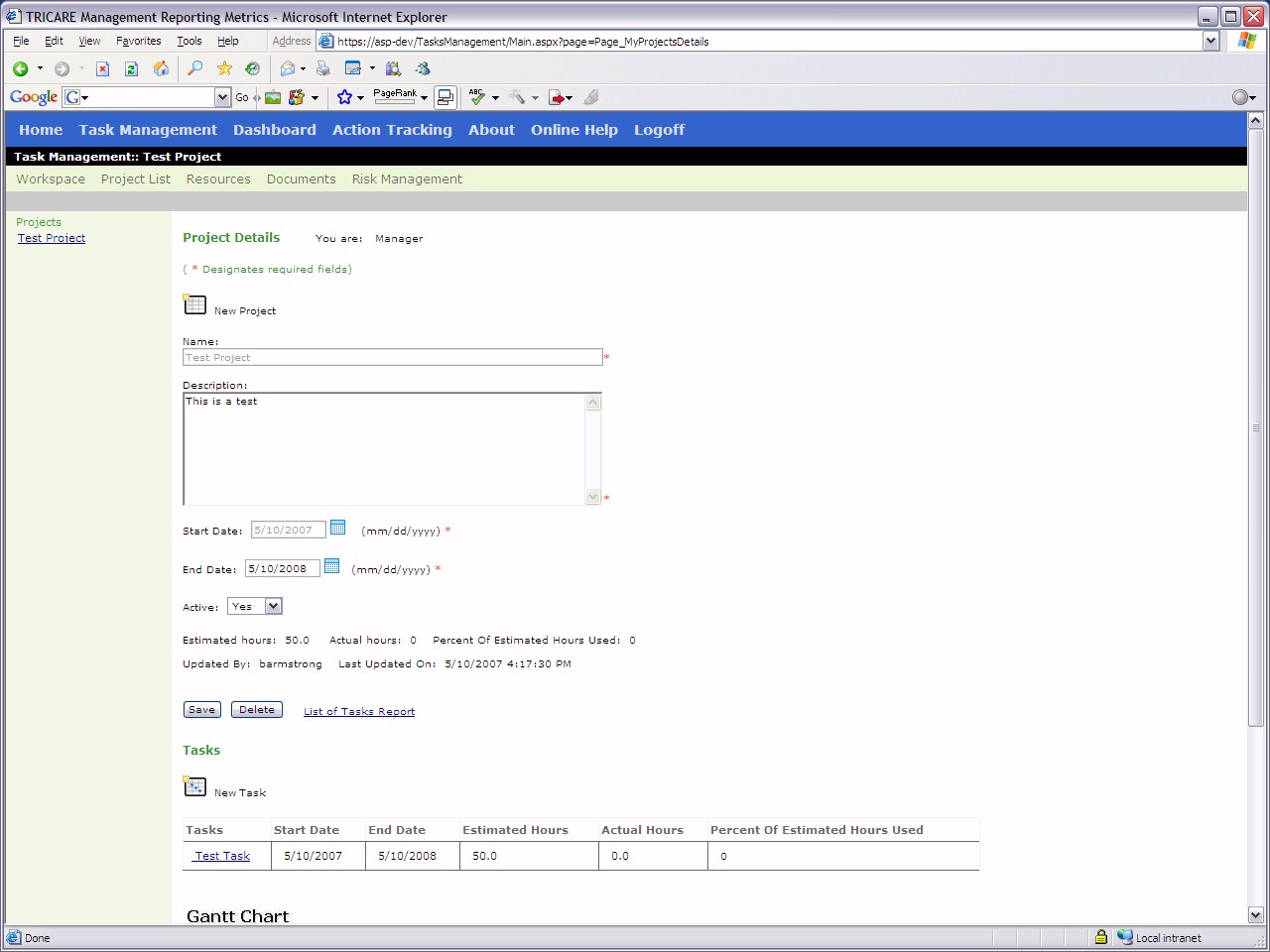
View of project creation page
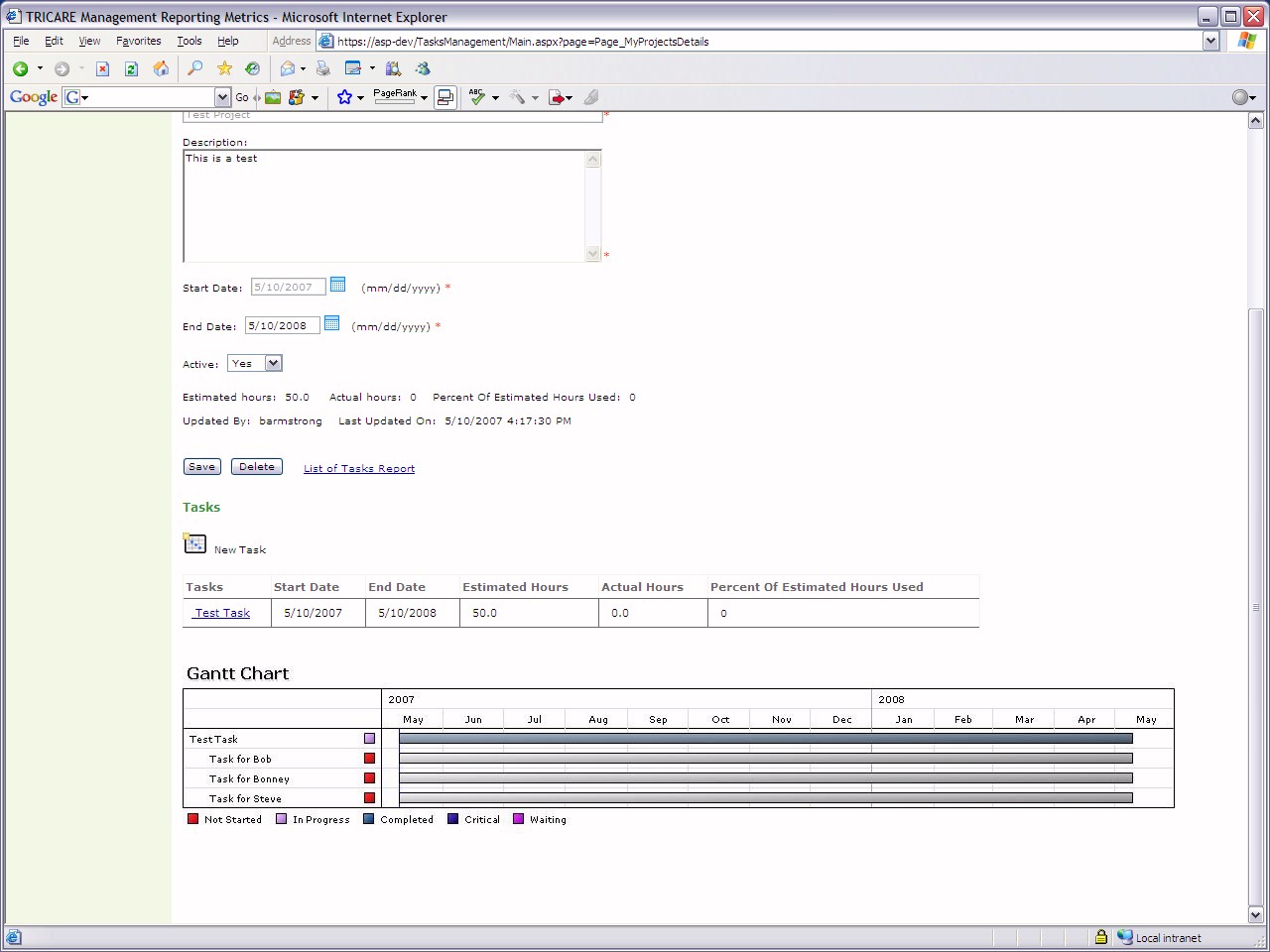
Lower half of project view page including
Gantt chart projection of timeline
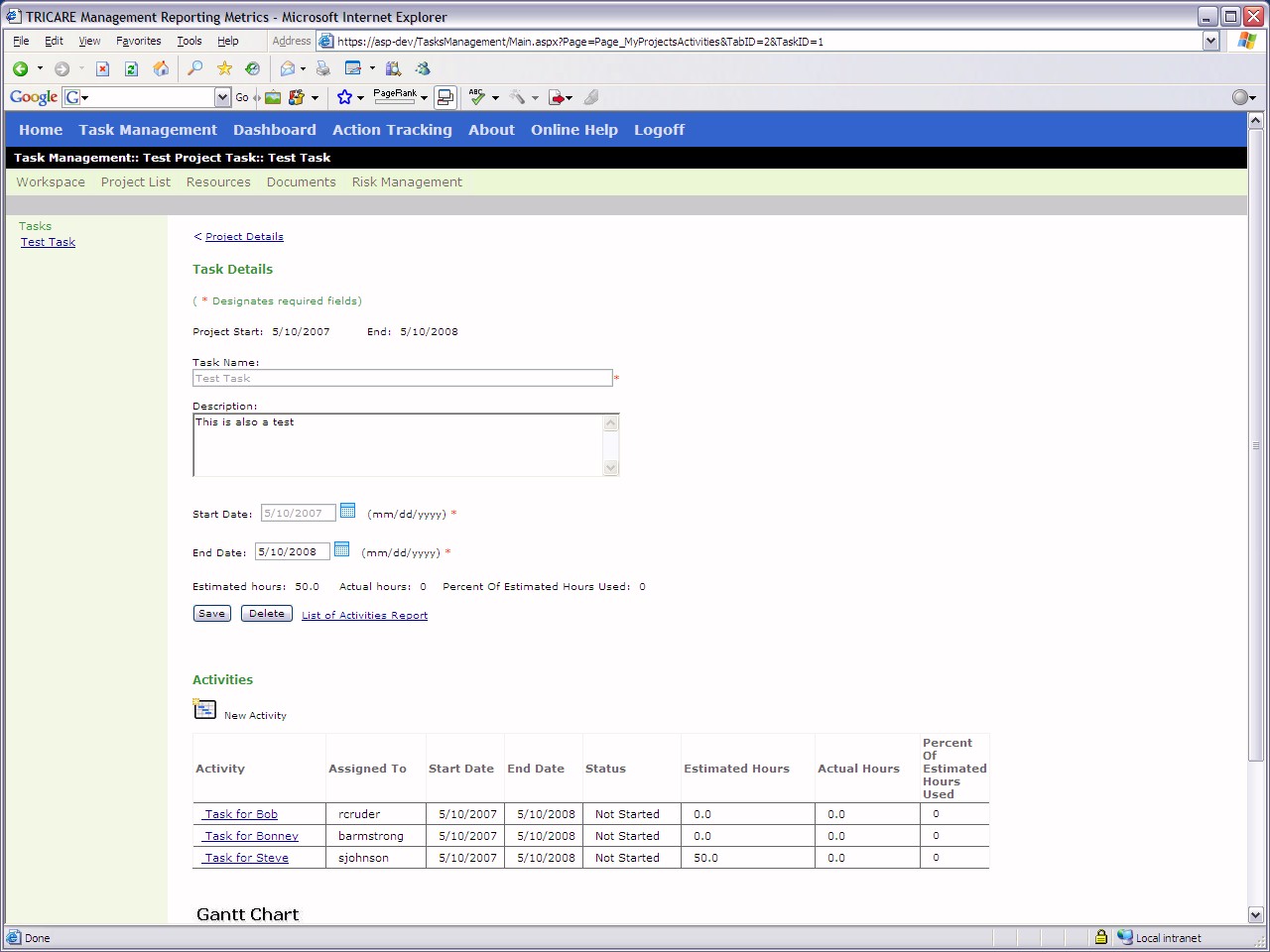
Task details page under project section
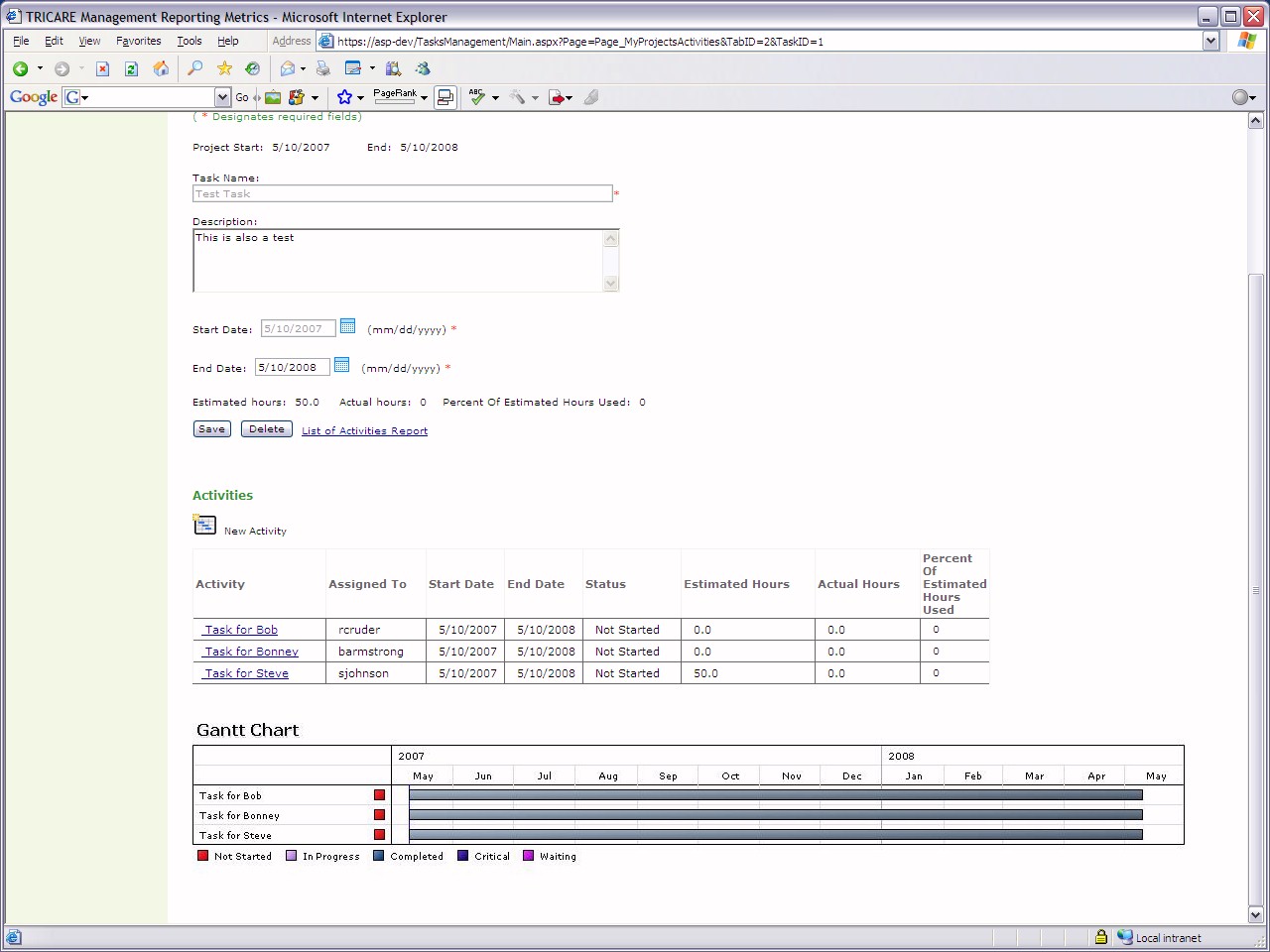
Lower half of task details page showing
timelines and specific activities within the task and their assignment
information
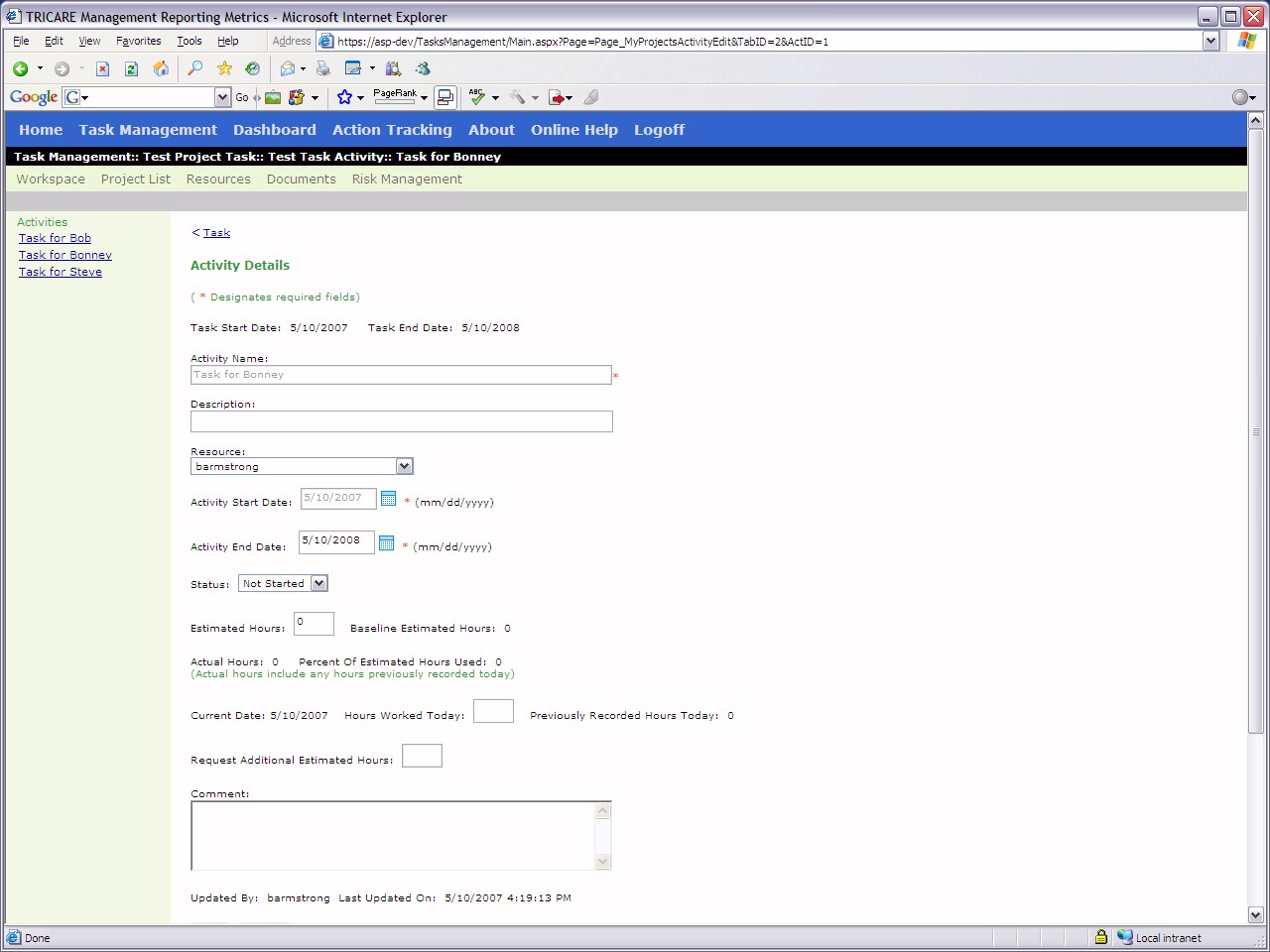
Activity details page
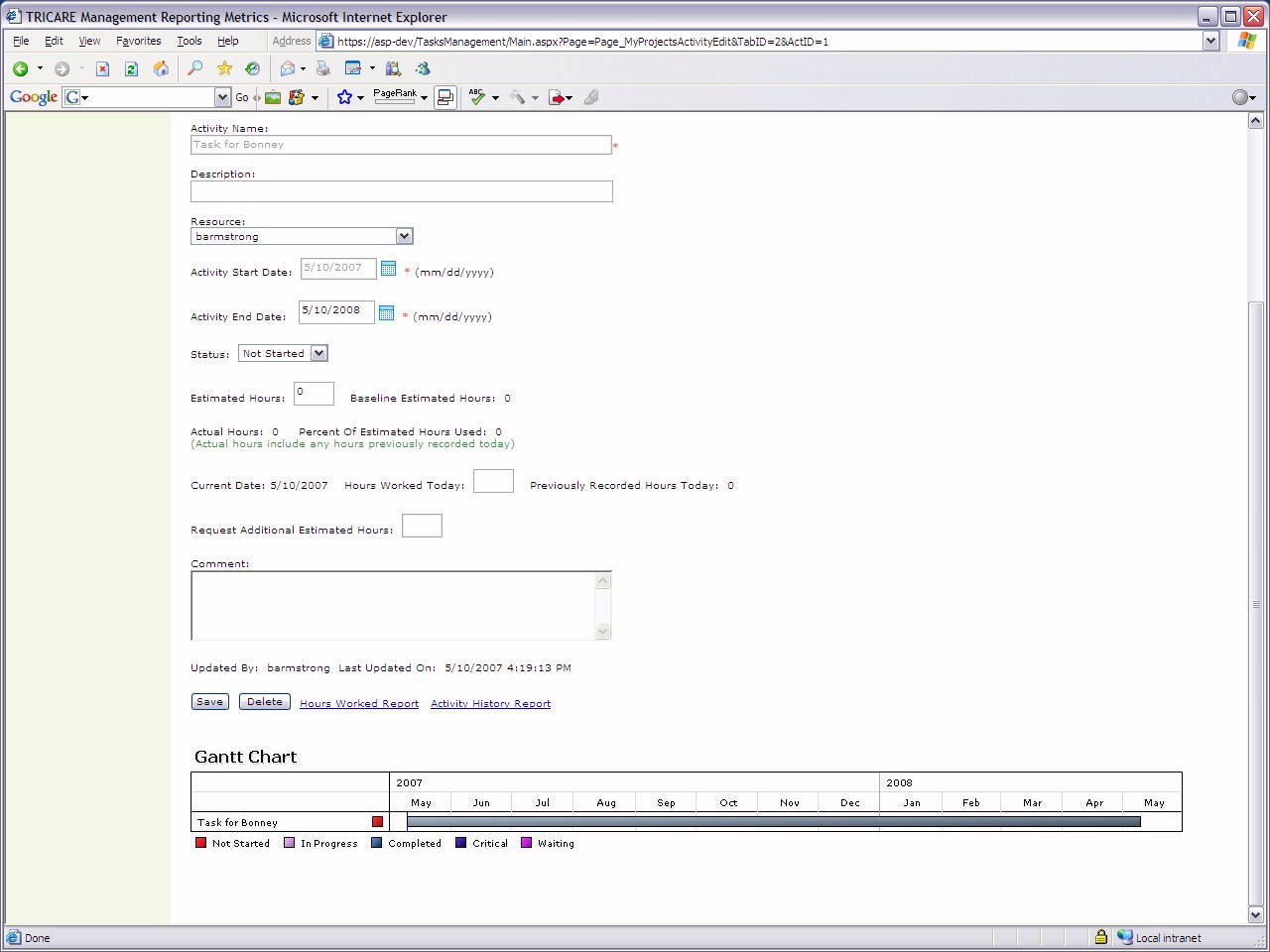
Lower half of activity details page showing
individual Gantt chart timeline per activity
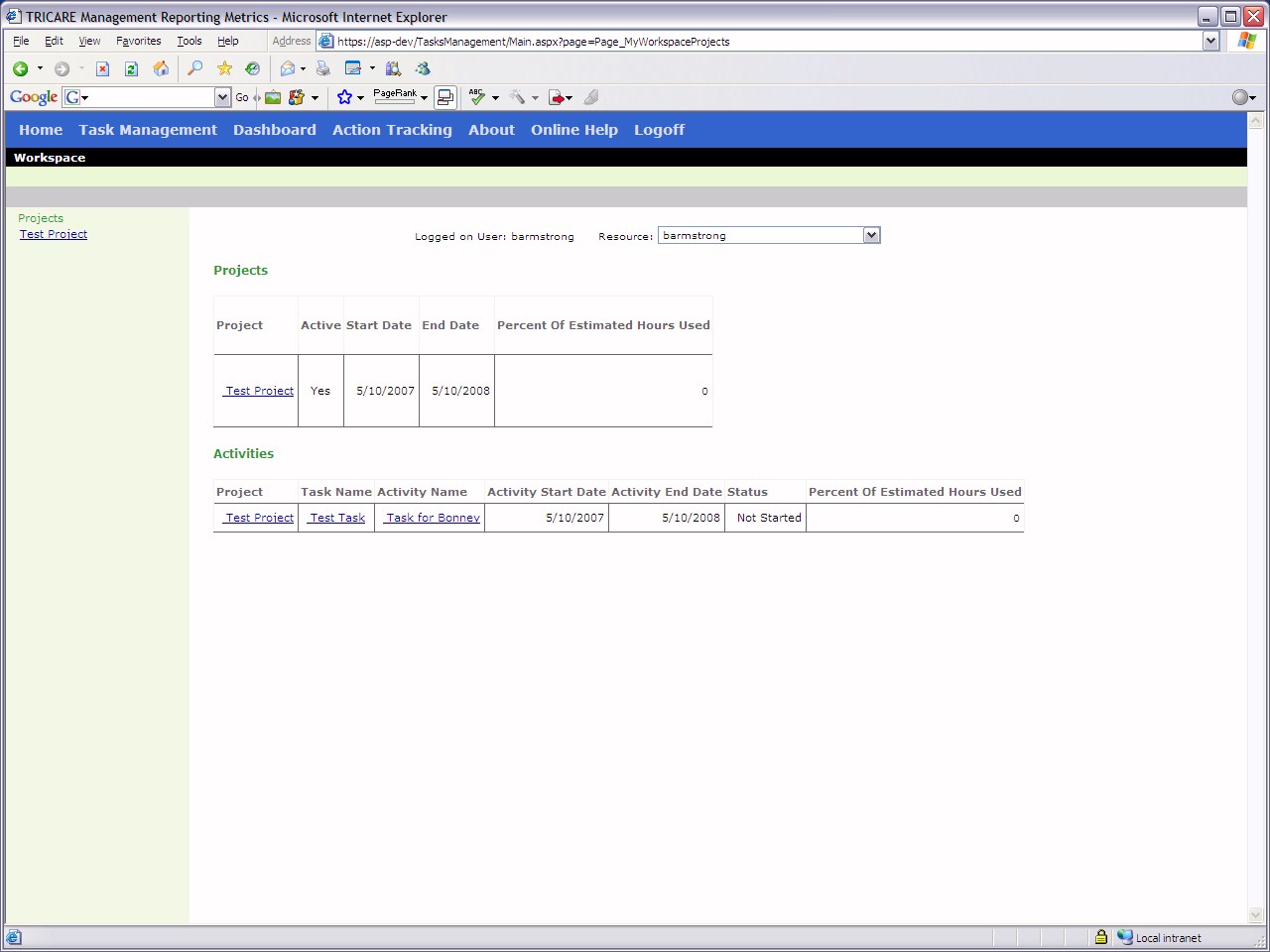
Workspace overview page where you can see
(if you have manager privileges) other individual clients' workloads
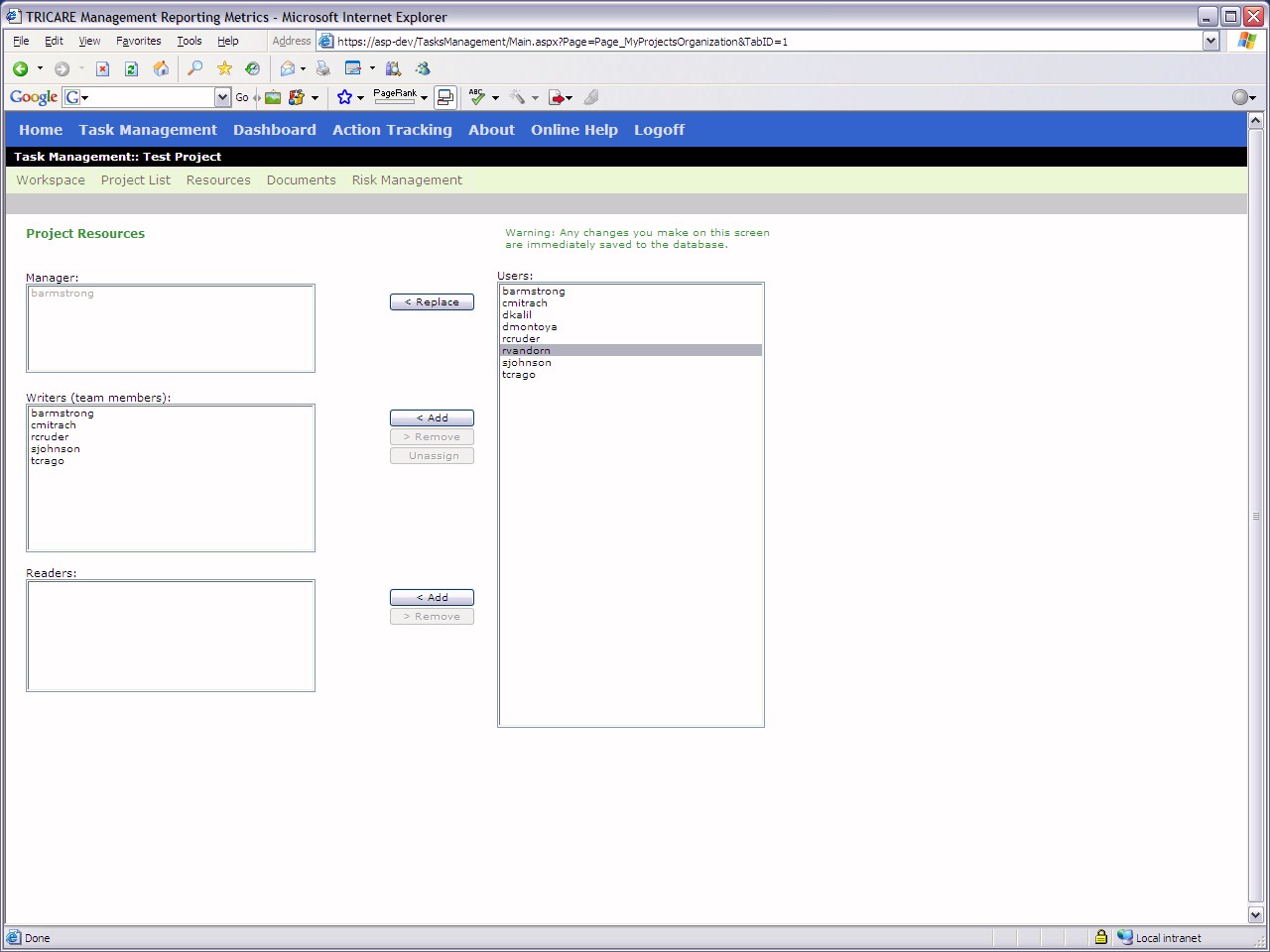
Project resources page where you can
reassign projects to another client, add team members to a project, or
give a client read-only viewing to a project
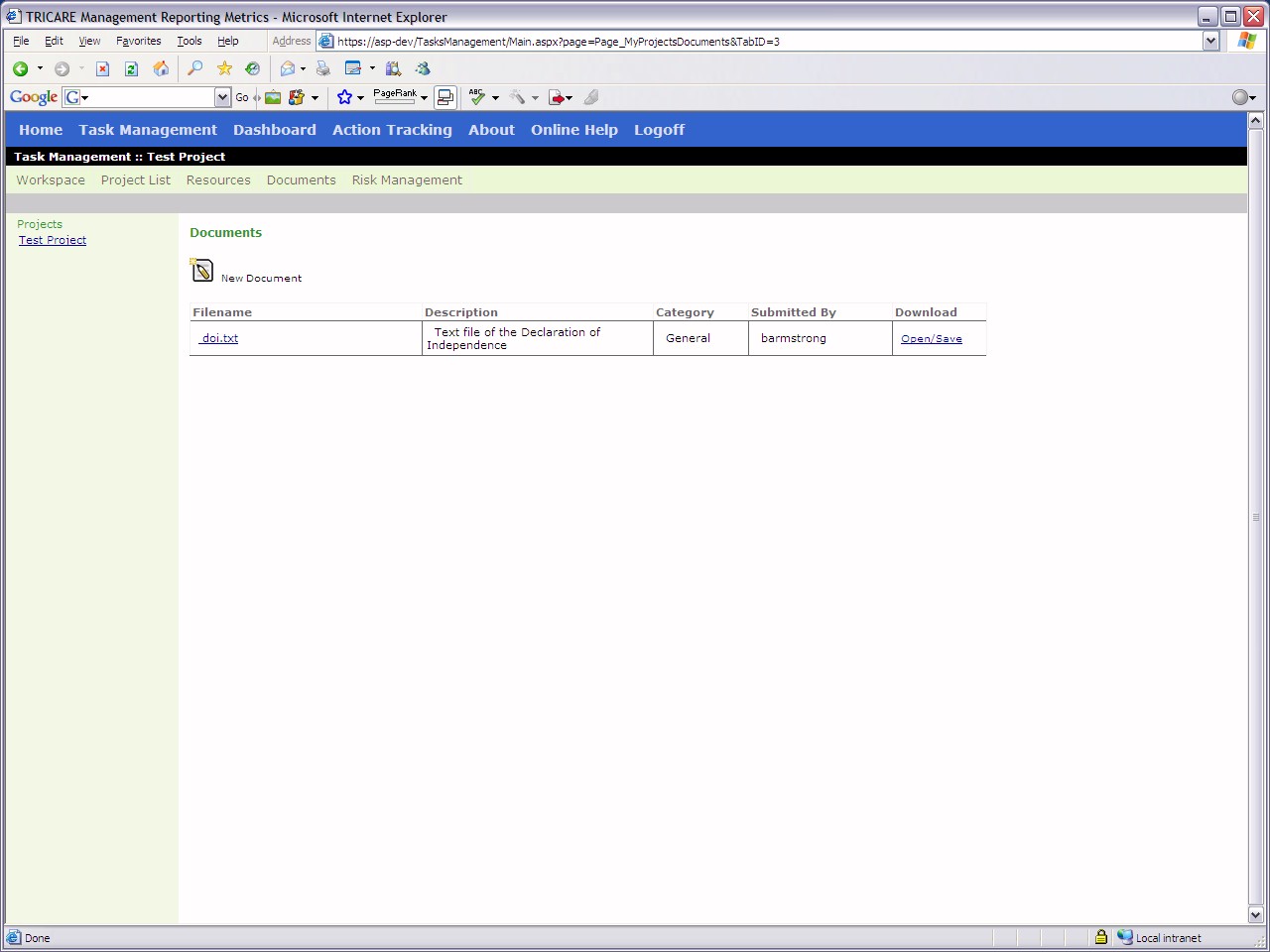
Document page where you can add files to a
project's information
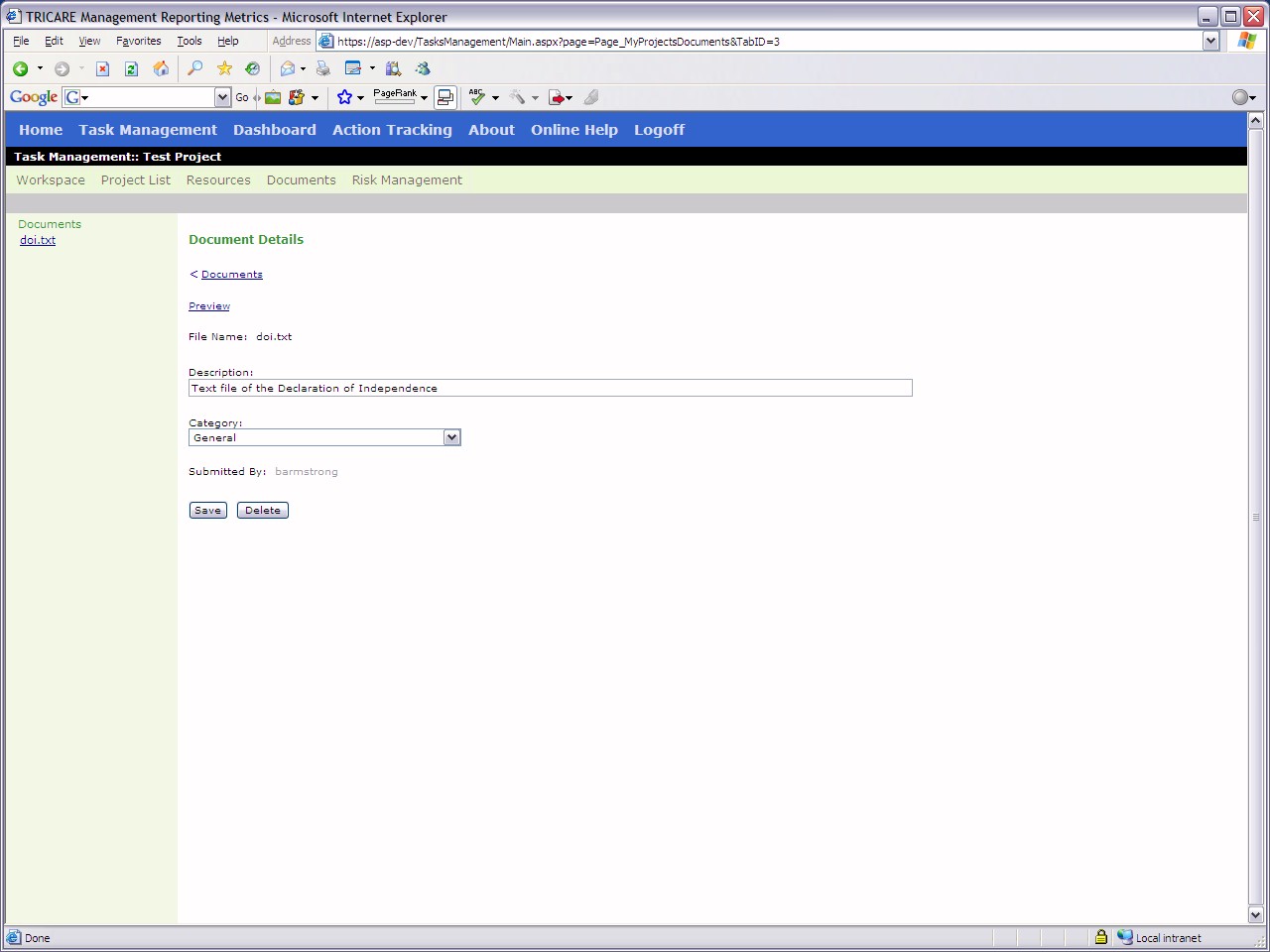
View of added document details
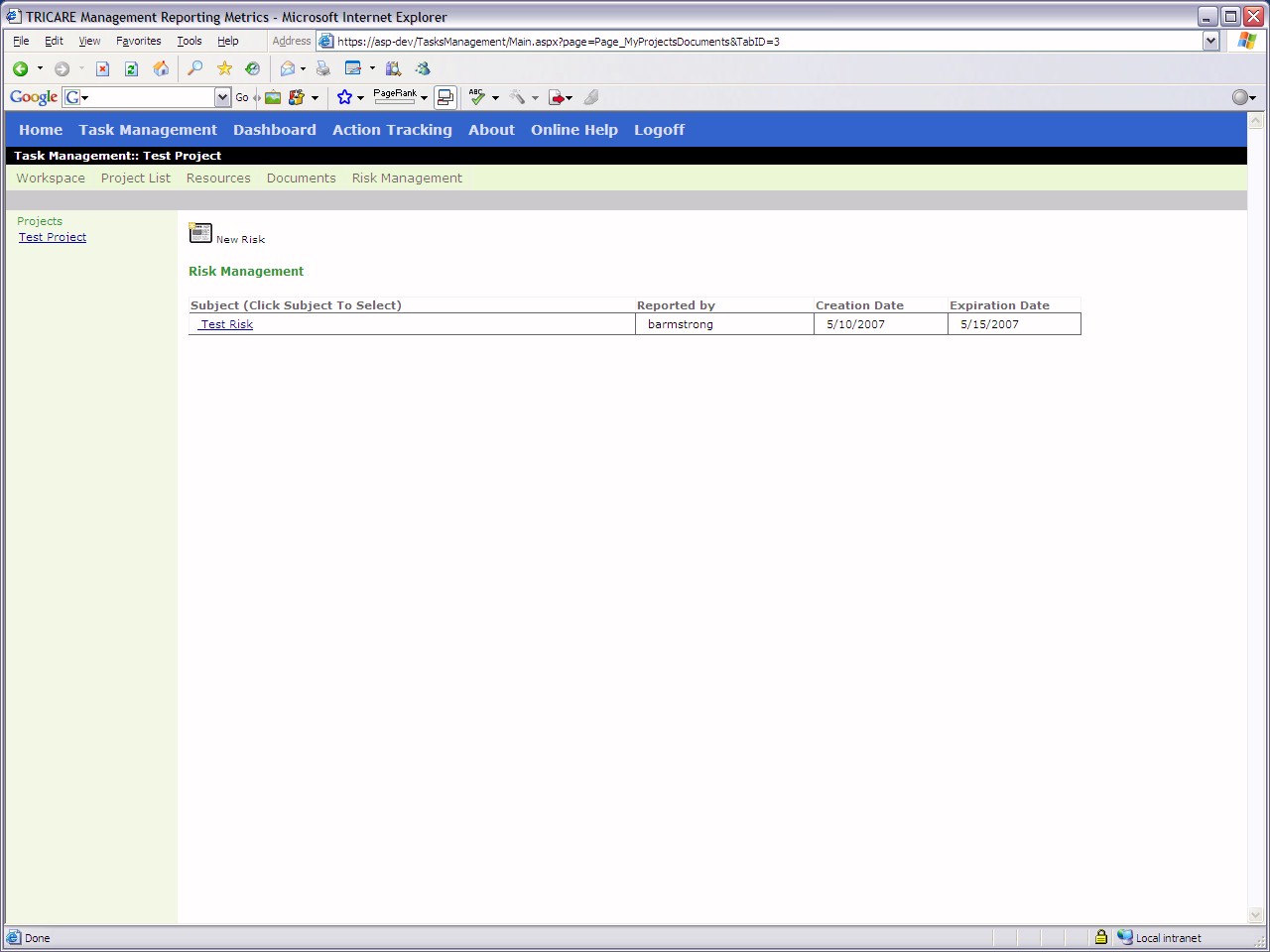
Risk management page for each project
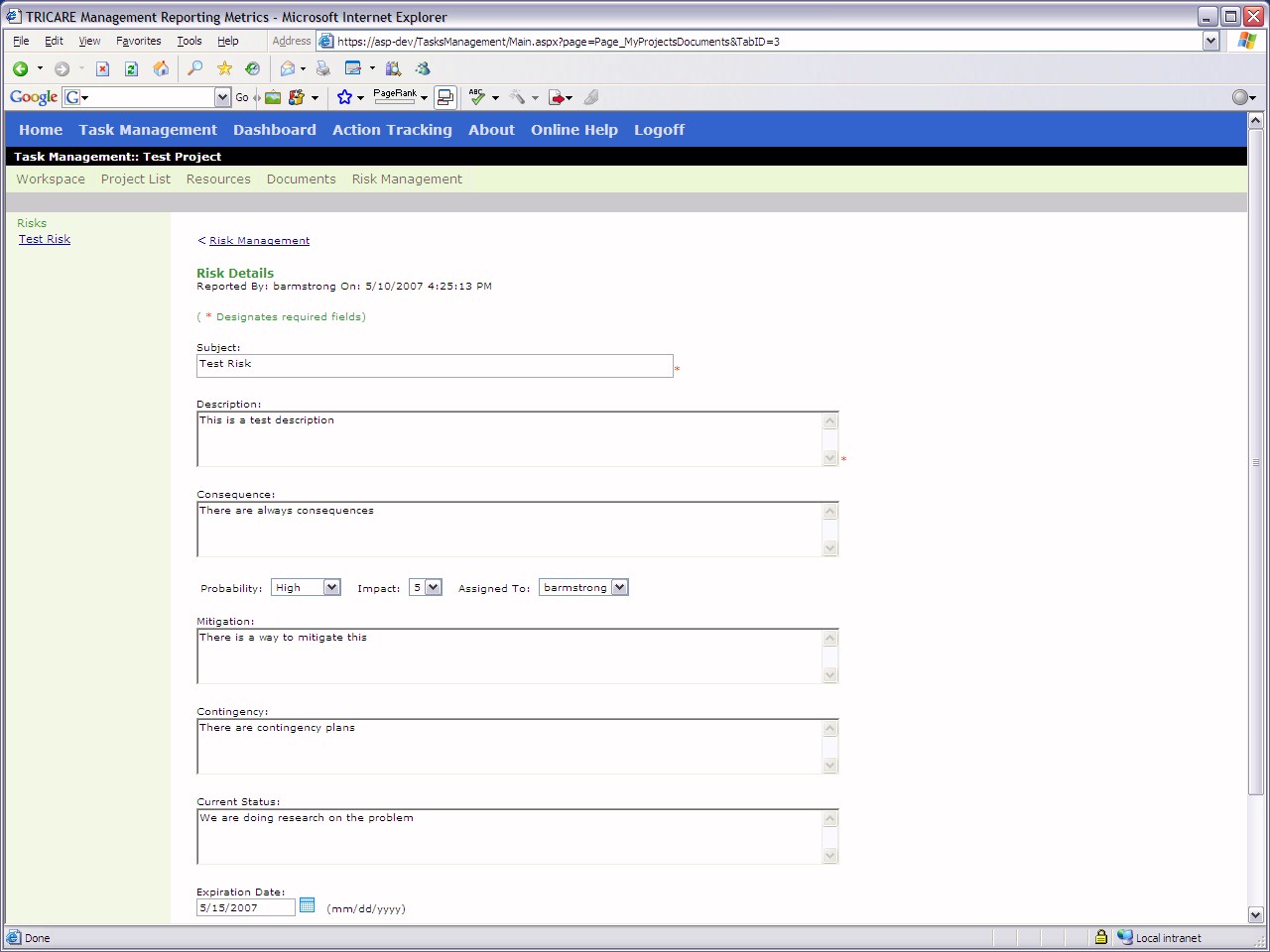
Risk management details per risk
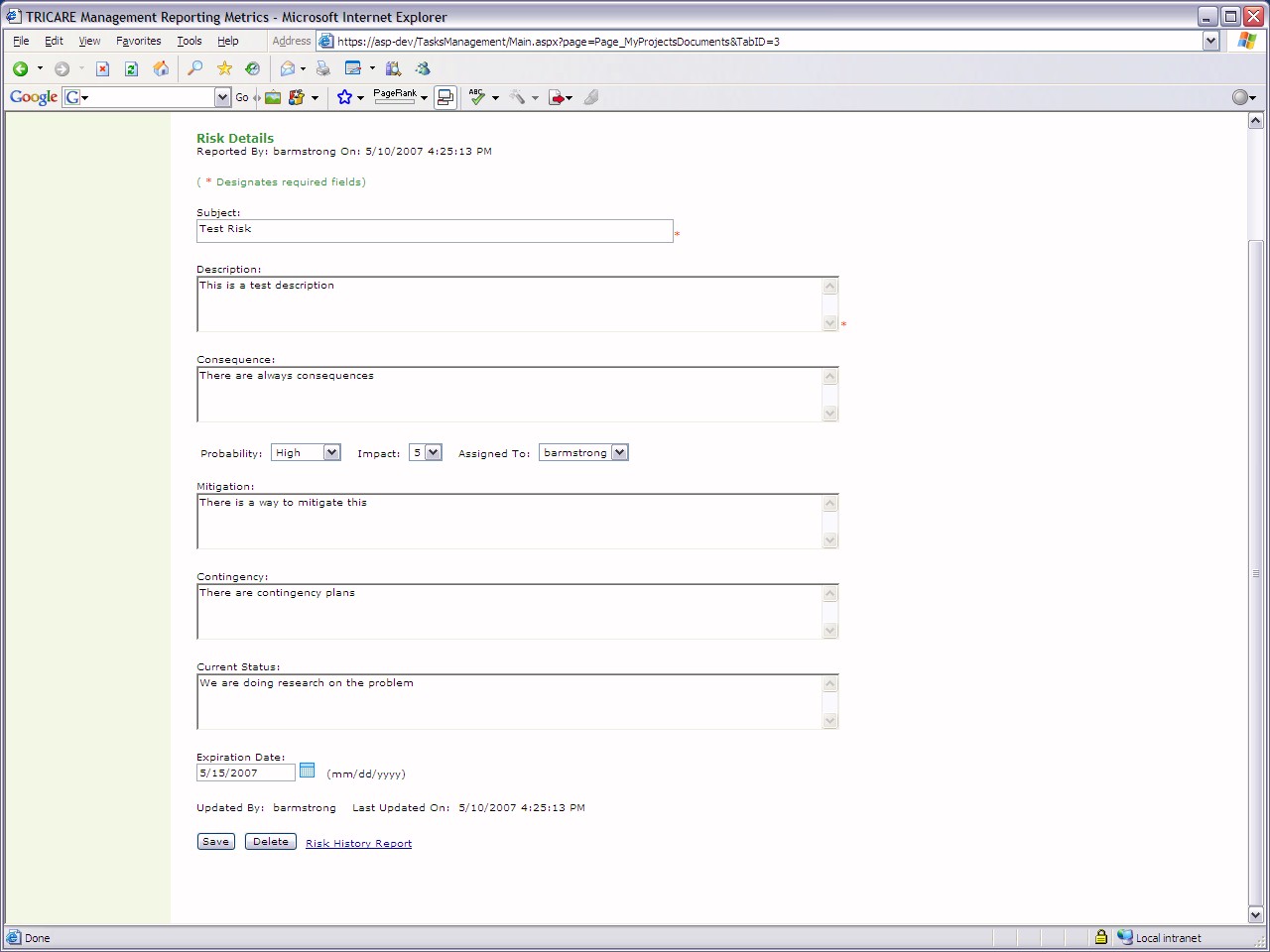
Lower half of risk management details
Using OASIS security component and based on
DotNetProject aka ProjectPortal
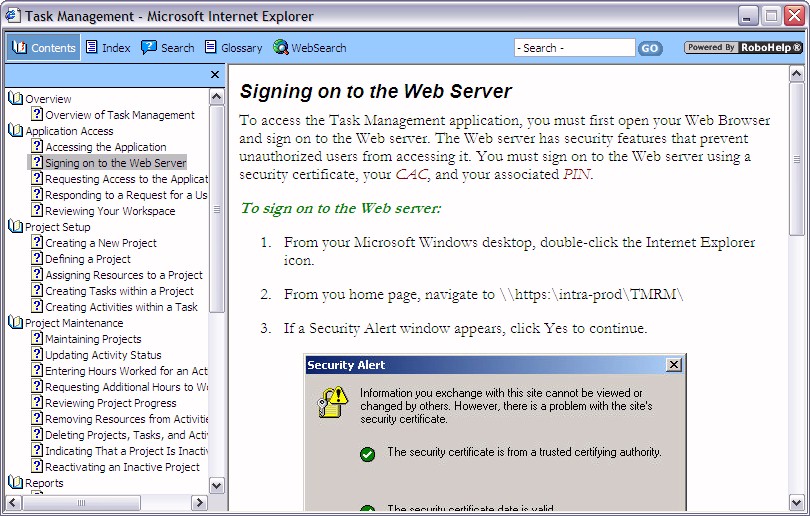
Task Management help files
Context sensitive help available from
within the application
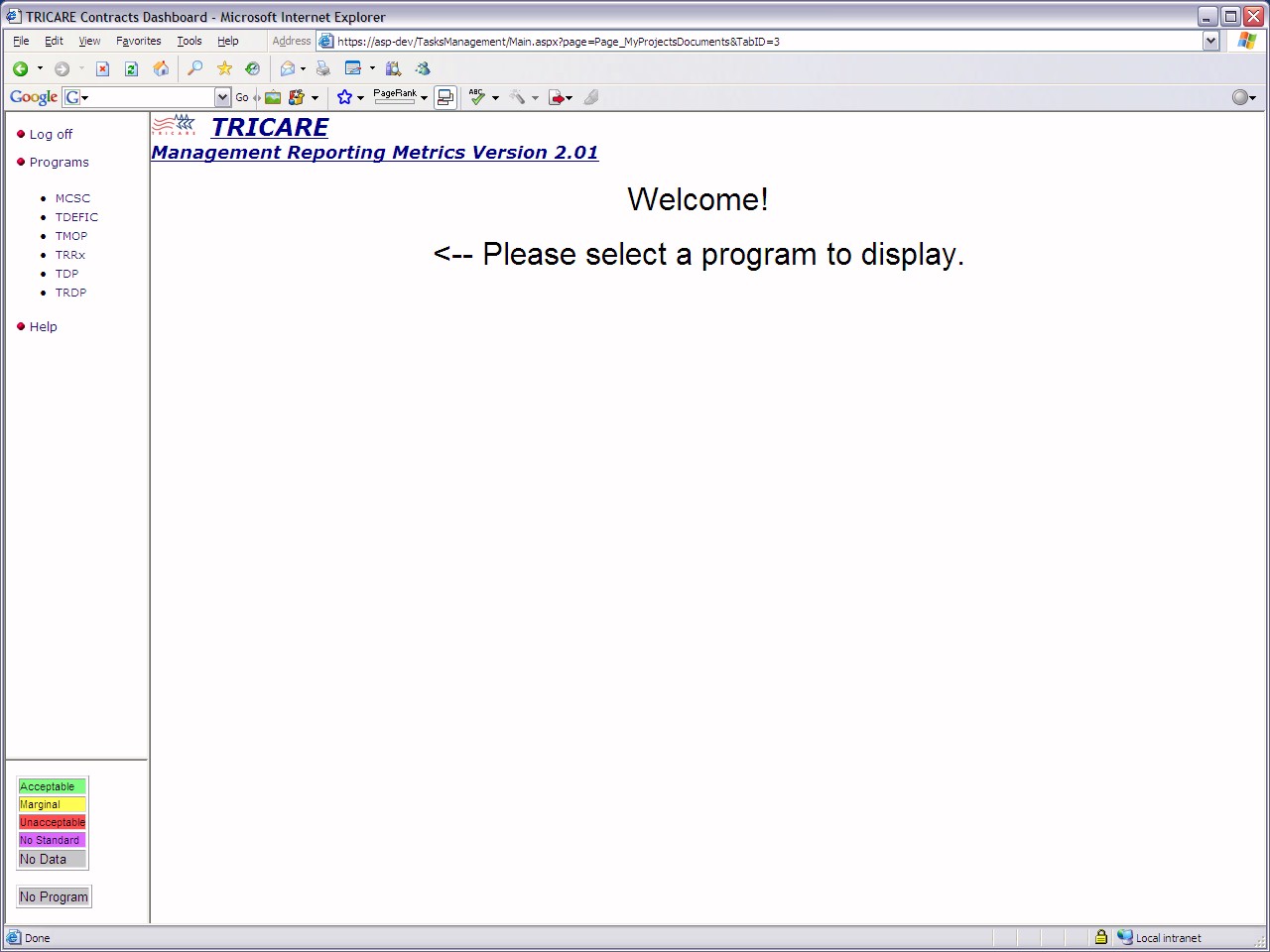
Dashboard section showing overview of
program metrics
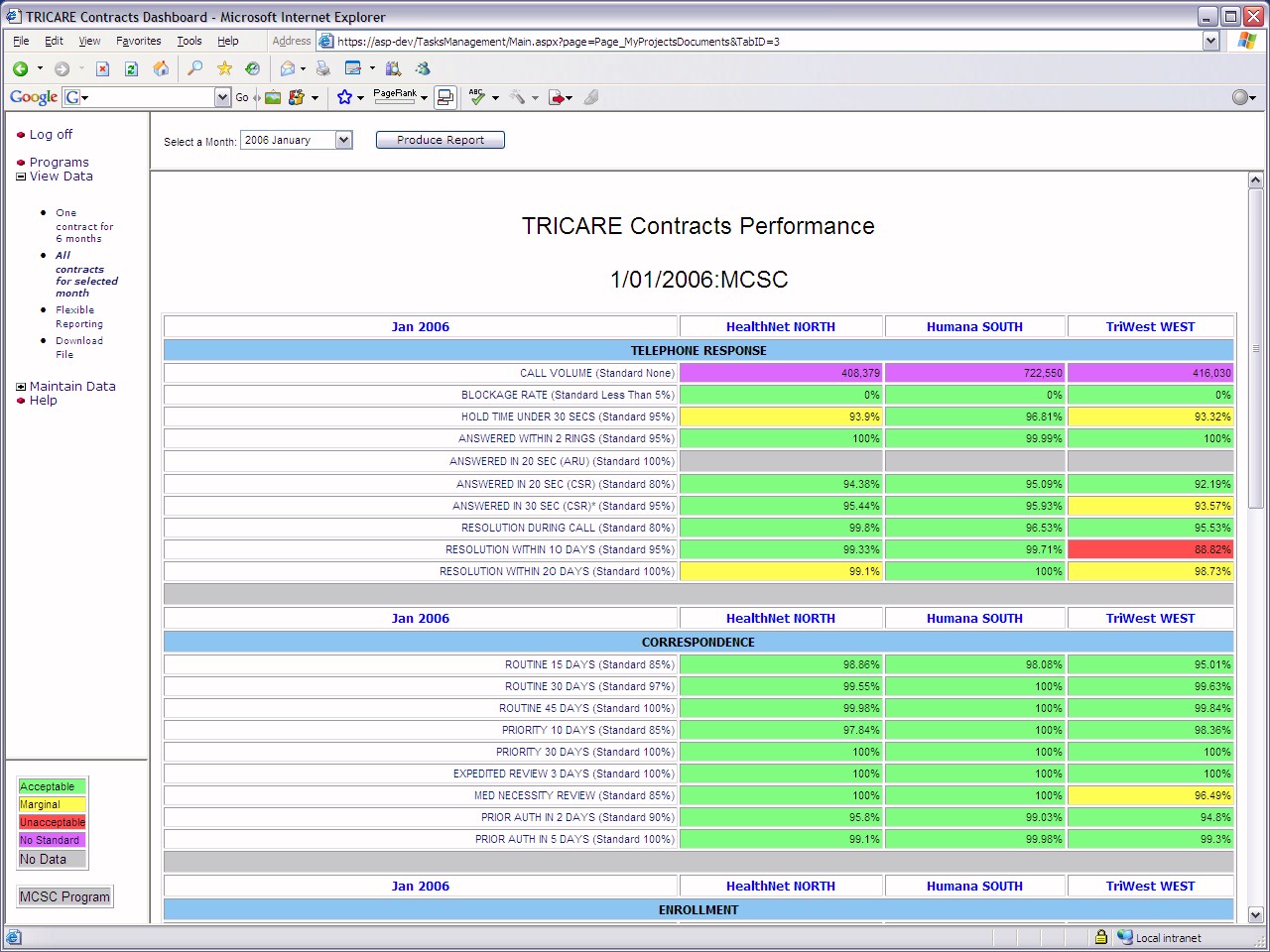
Contracts performance metrics
Self-closing page that logs the client out
and ends authenticated session