|

|
us bank development ticket tracking system
 |
In order to cope with the sudden onslaught
of tickets, I found I had to create my own ticket system. They had an
older version of ClearQuest, and unlike other ticket systems that you
could use as a working environment (Lockheed's MARS or US WEST's PCRM
come to mind), theirs wasn't quite up to the task. Plus, development
assignments came in from a variety of sources, not all through official
channels. So I developed a simple MS Access based system to document my
workload. Later, as I got more involved in various projects, I added the
ability to create status reports for various teams, project managers,
and to send detailed reports with a couple of mouse clicks, while my
colleagues would be scrambling through the piles of papers on their
desks in order to figure out where they were at on each project. |
 |
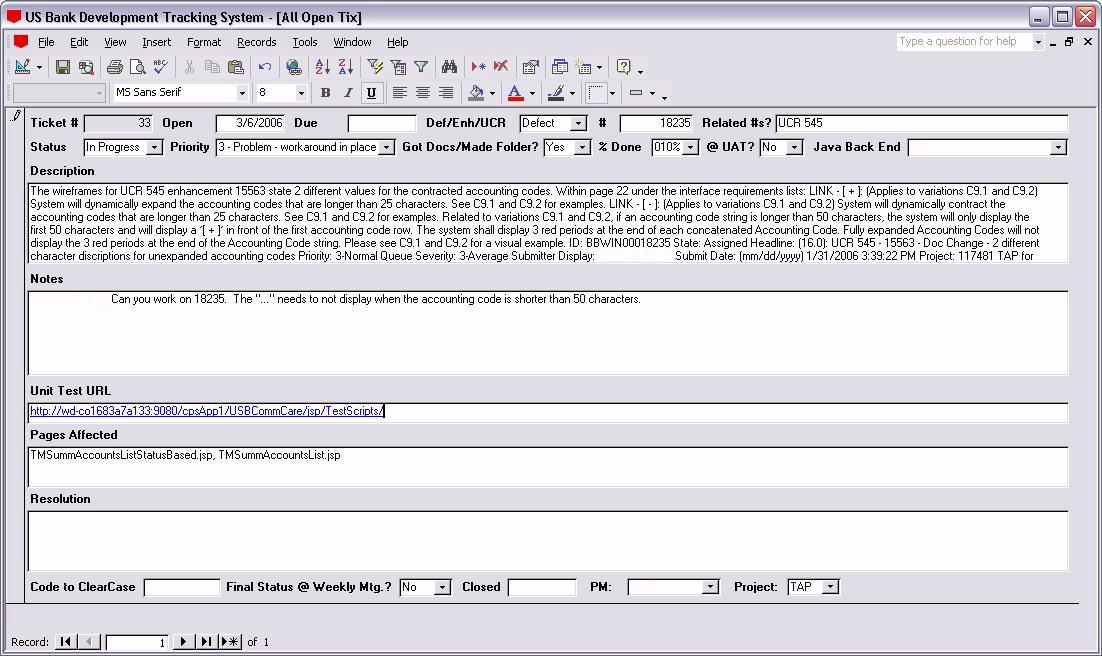
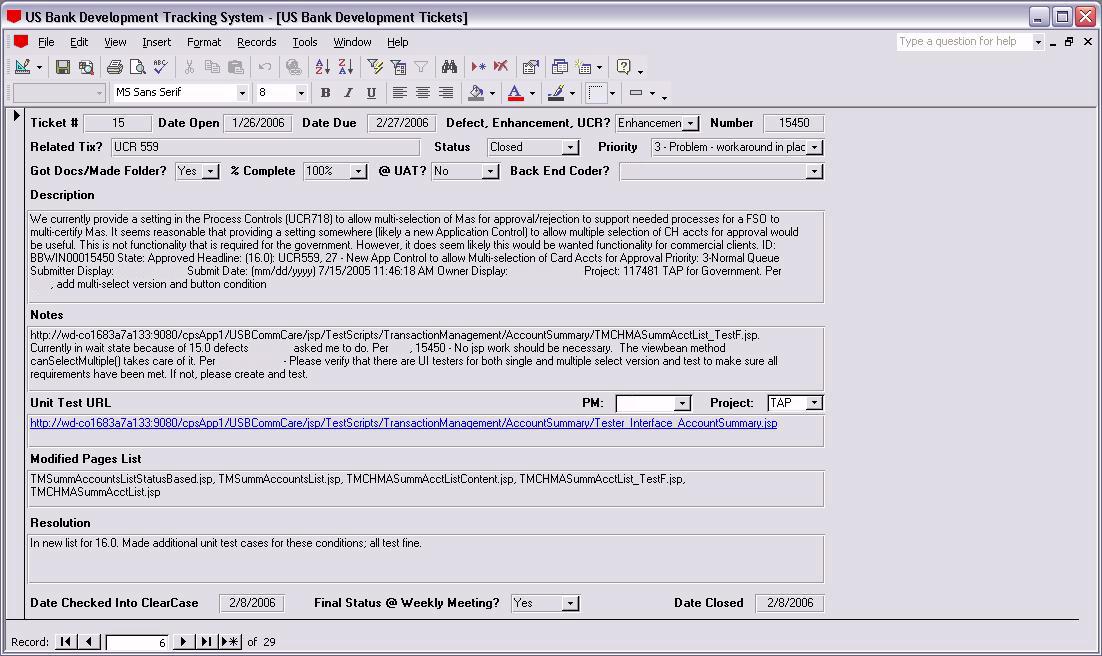
These tickets could be quite confusing.
They had related Rational requirements, but there was no field per se in
the ticket system to note this, so I had to make sure I created a field
to capture this information. This proved incredibly helpful when I
wanted to track down all the development work I had done against a
particular set of requirements. They tracked by percentage done, so I
did too. I captured the unit test URL, so once I got WebSphere up and
running after I rebased from stream in ClearCase, all I had to do was
click on it and I could pick up where I'd left off. I also copied and
pasted the names of the files that I touched in the course of my
development so that when WSAD crashed (as it often did), I knew where to
pick back up. |
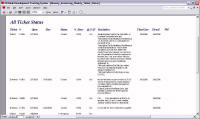 |
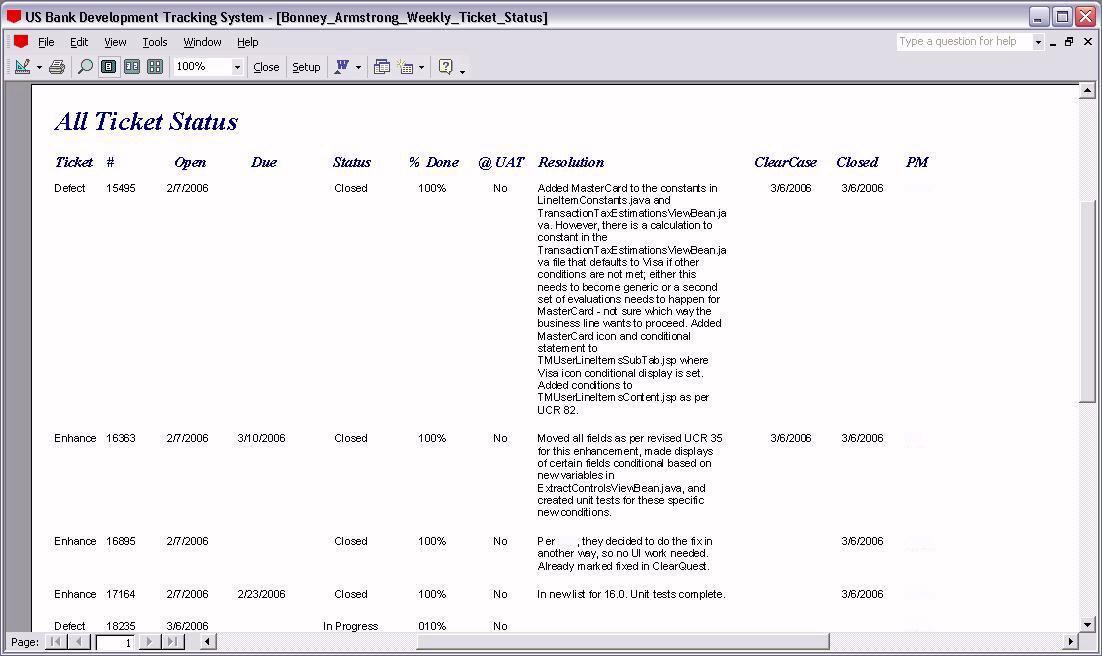
I made sure to capture such data as when
the code had been delivered to stream. That way, when another developer
or manager had a question about versioning or when changes would appear
in what build, I could say, "This fix was delivered on the 12th." Then
they'd know whether their build had the changes or not. I had various
reports; this one was an overall report showing the status of every
single ticket that was still open or recently closed since the last
status meeting. |
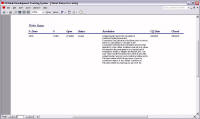 |
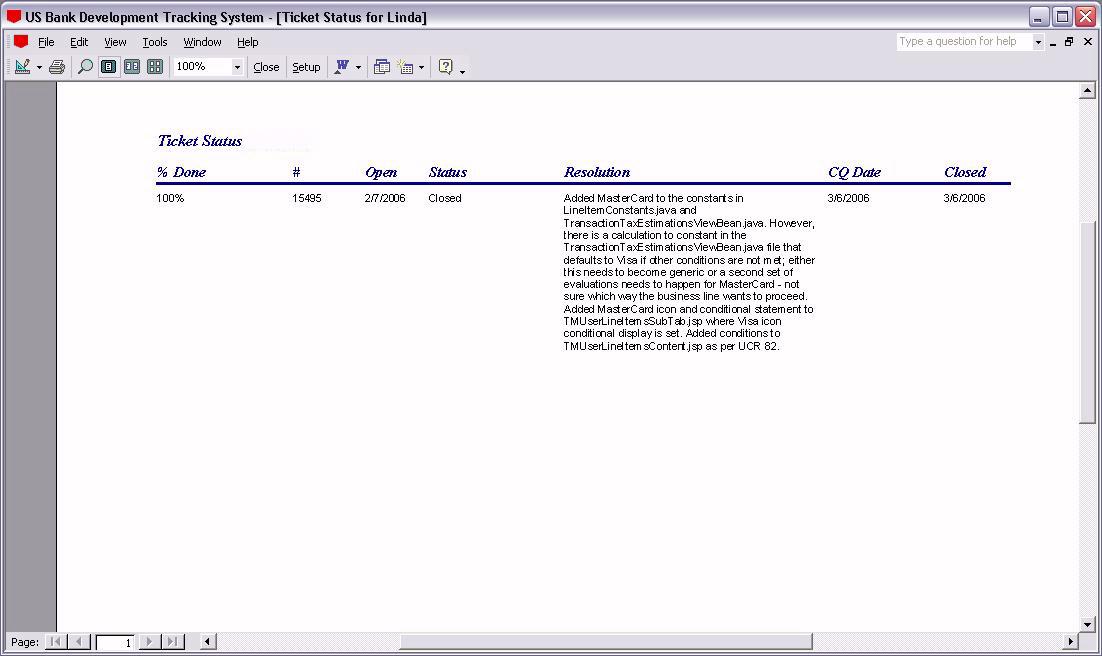
Made a series of custom reports for each
project. The project managers found it incredibly helpful that they got
such detailed status on their issues in a timely manner. Using the
PTBSync utility, I set organizer alarms to go off the afternoon before
each status meeting for each project so I could generate their status
report, email it to the PM, and get back to work. This saved lots of
time. |
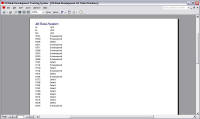 |
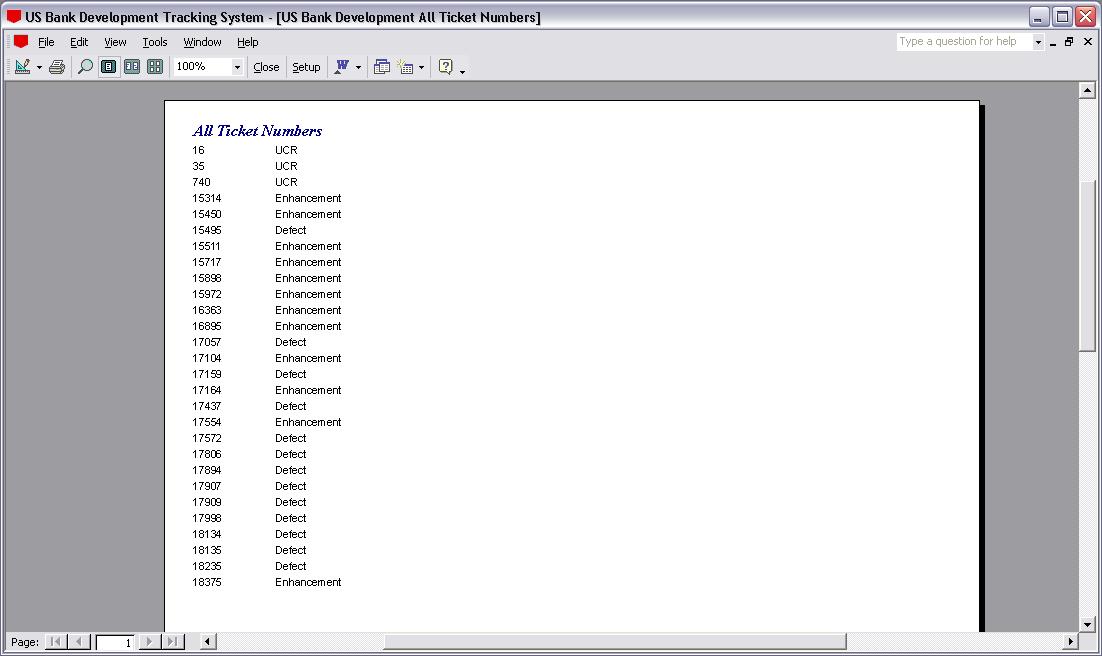
Sometimes I was asked if I had worked on a
particular ticket number, so I made this little housekeeping type report
for myself so that I could look that up and see if I'd done it already.
In SQL Server there is a DISTINCT command; MS Access being a similar
product of course doesn't have that per se, but it does have a unique
records display function of sorts which I used here. |
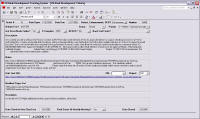 |
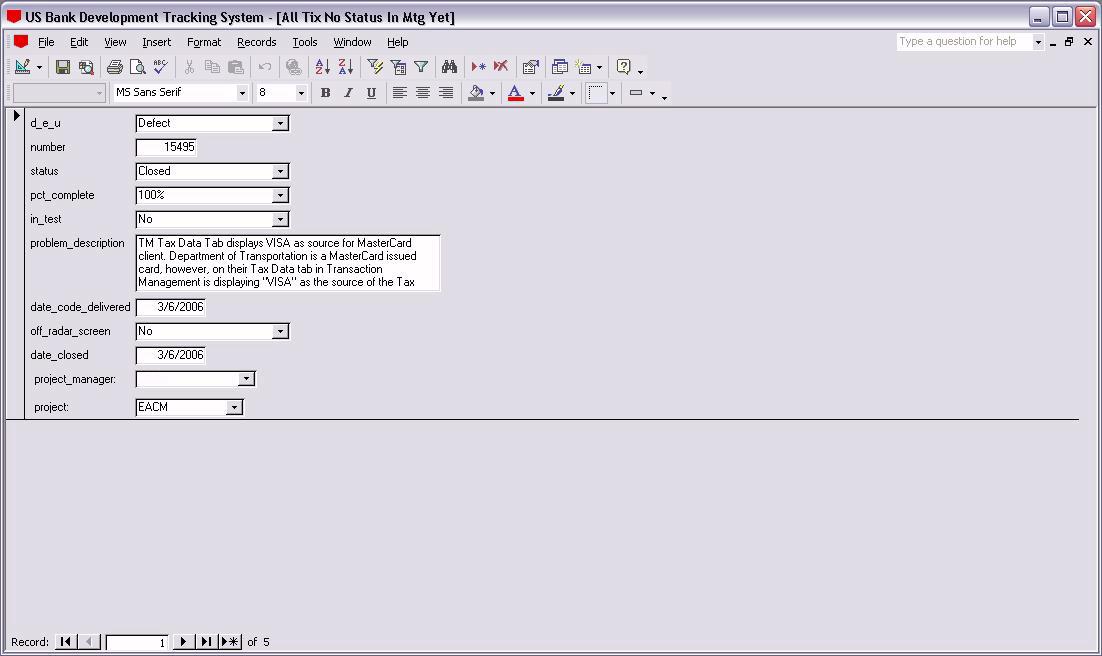
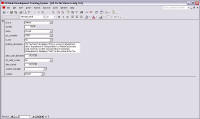
The problem description was taken from the
ClearQuest ticket. As I acquired more information about the problem,
subsequent emails, etc., I put that information in the Notes section.
The resolution was the only thing the PMs saw, so that was the space
where the "official" explanation of the fix went. Once I'd delivered
final status at the weekly project meeting, the ticket could then go off
my radar screen. |
 |
I made a helpful little utility that
brought up all the recently closed tickets so that I could mark the
issues as "off the radar screen" once status had been given in their
respective project meeting. Then these tickets would no longer appear in
my reports, obviating the need for creating reports by date. The
development ticket cycle was too fitful to try to pin fixes down by
dates. |
|